|
PRESS
High
Resolution Photos & Logo - Scroll down to select each
individual photo.
To Download,
Resize & Print:
1) Put your
mouse cursor over image you want to download & right
click.
2) Select "Save
picture as ..." then choose the "Save in"
destination in the window that opens,
such as Desktop,
and hit the Save button. Remember the file name.
3) Open your
photo editing software, such as Adobe Photoshop, under File,
select Open,
then choose
the location of the photo under "Look in," select
the photo you downloaded, and hit Open.
4) Edit the
photo, hit the save button, and then print. Photo credit:
Patrick Arnold.
(See
directions at top of this page to download, resize &
print).
N.
Scott Robinson Logo Color JPEG - 300 DPI - Dimensions -
1446 X 304 pixels (5 X 1 inches). Size - 217 KB.

(See
directions at top of this page to download, resize &
print).
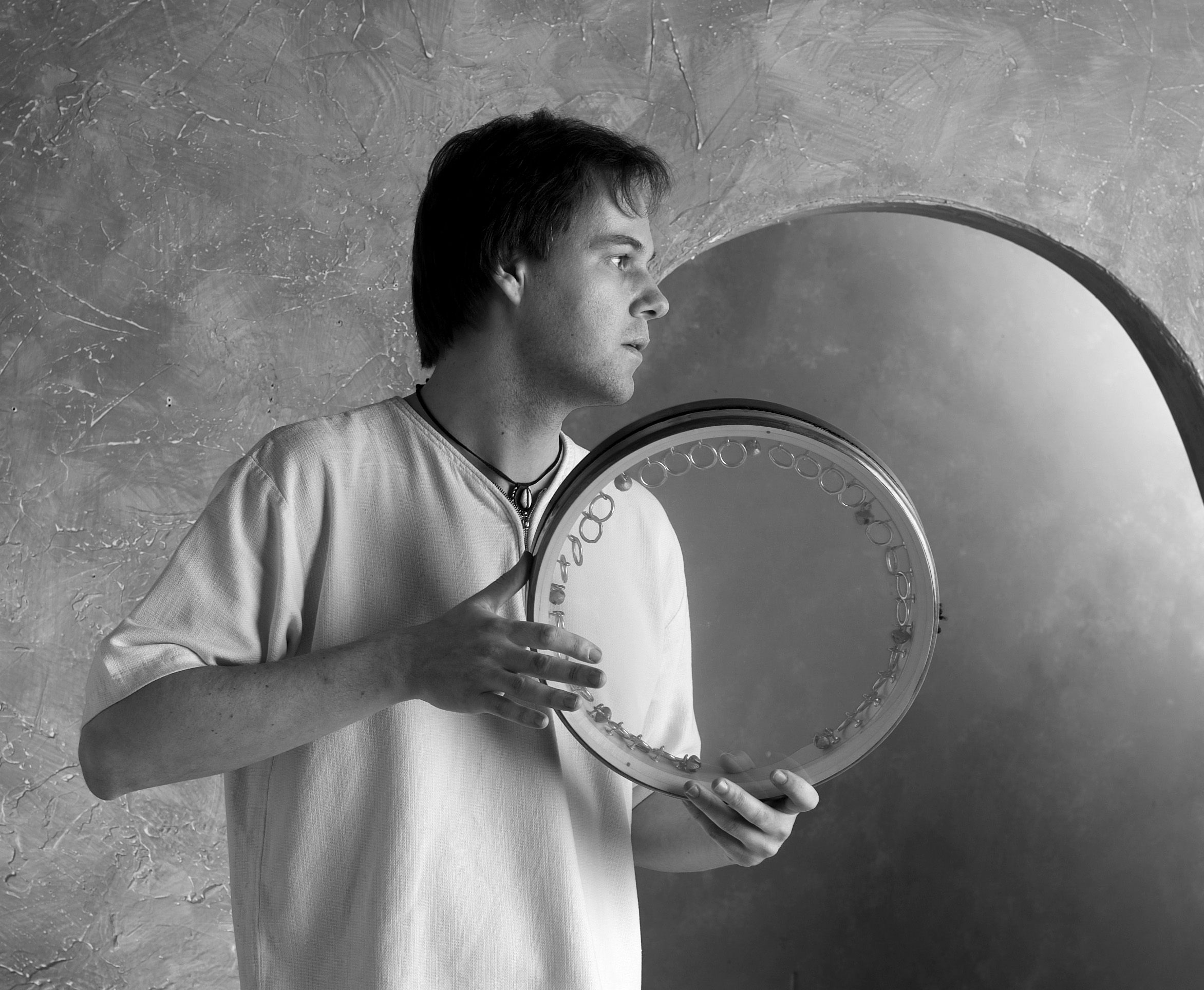
N.
Scott Robinson Black & White Photo #1 JPEG - 300 DPI
- Dimensions - 2344 X 1928 pixels (8 X 6 inches). Size -
760 KB.

(See
directions at top of this page to download, resize &
print).
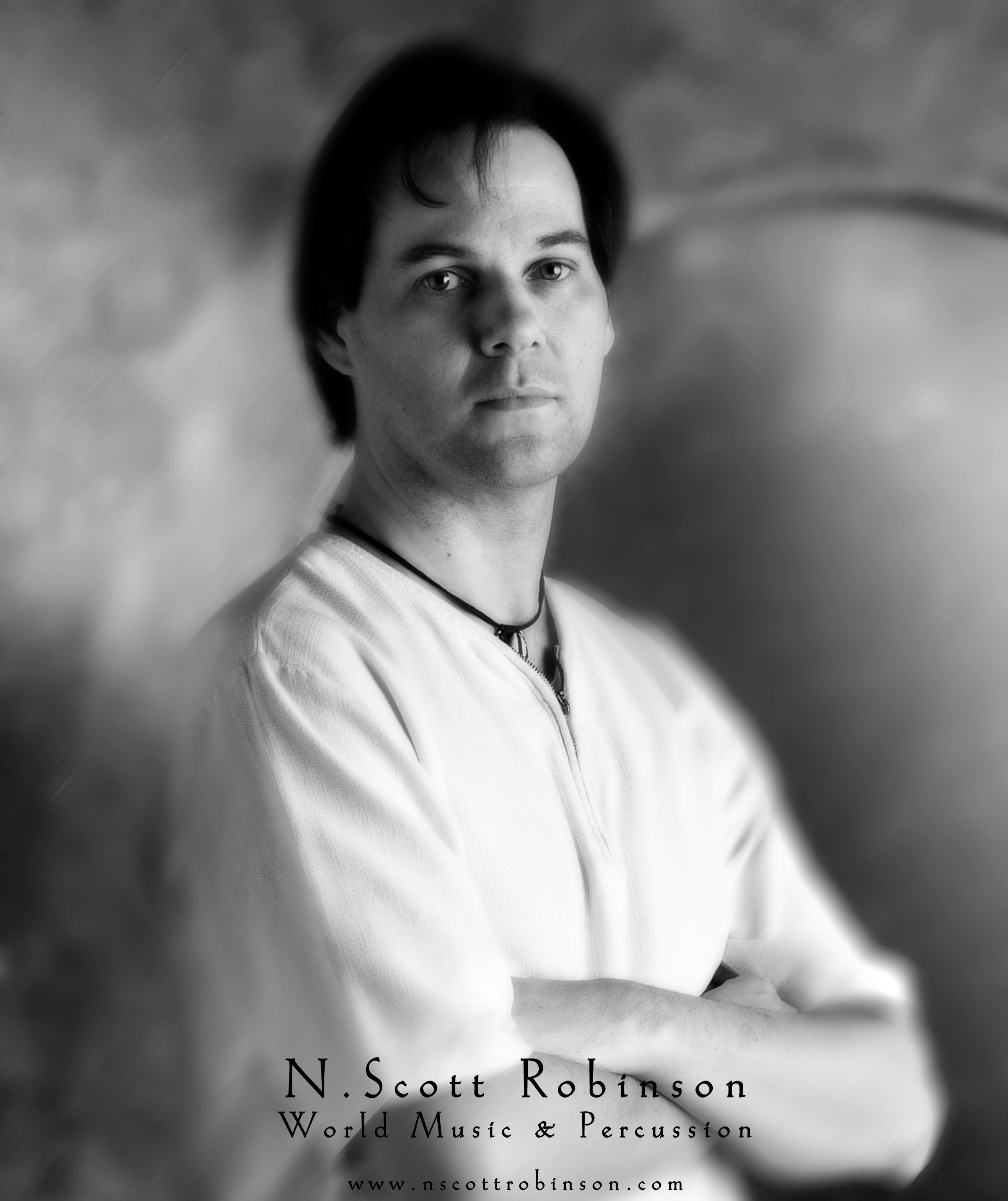
N.
Scott Robinson Black & White Photo #2 JPEG - 300 DPI
- Dimensions - 2393 X 2852 pixels (8 X 10 inches). Size
- 458 KB.

(See
directions at top of this page to download, resize &
print).
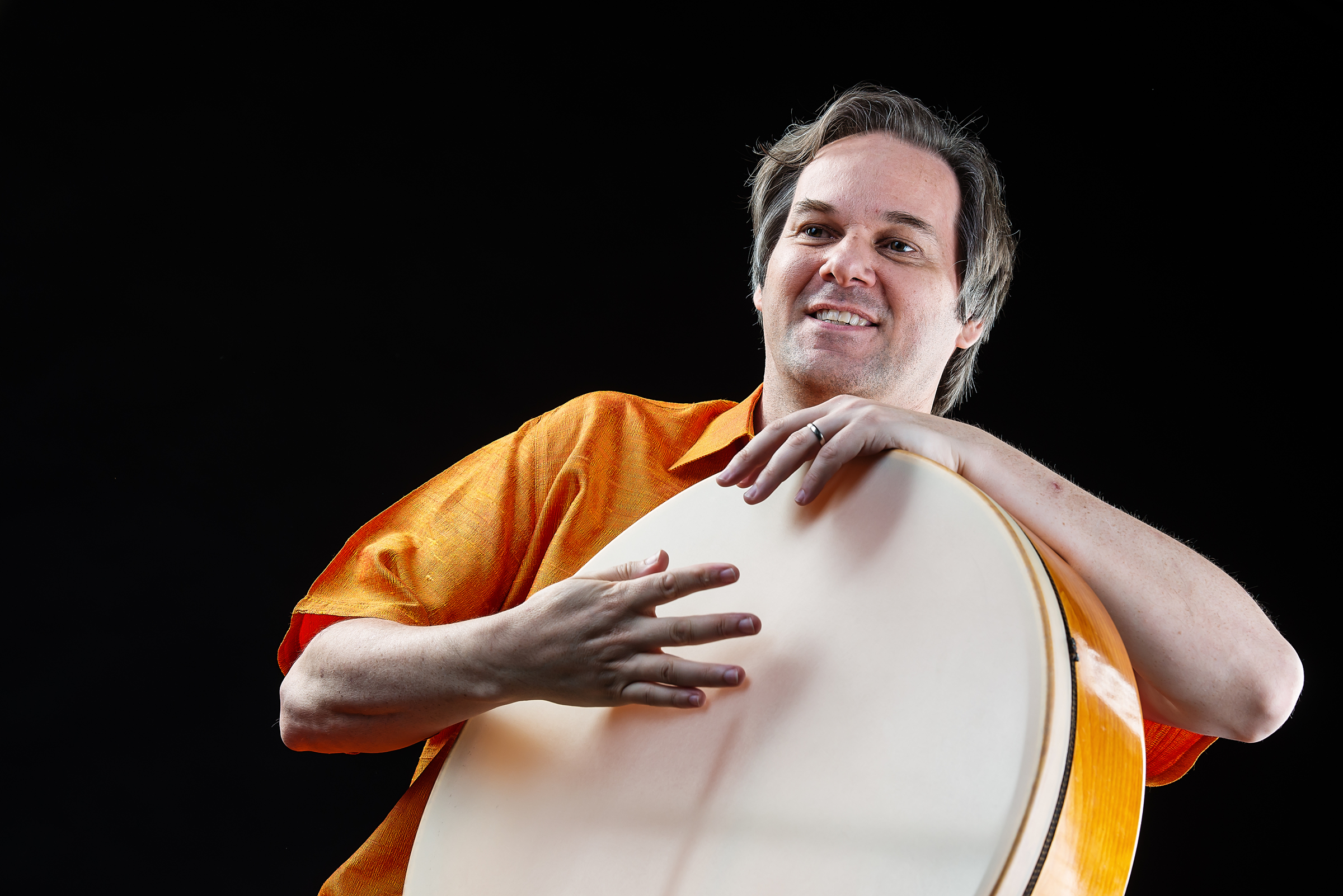
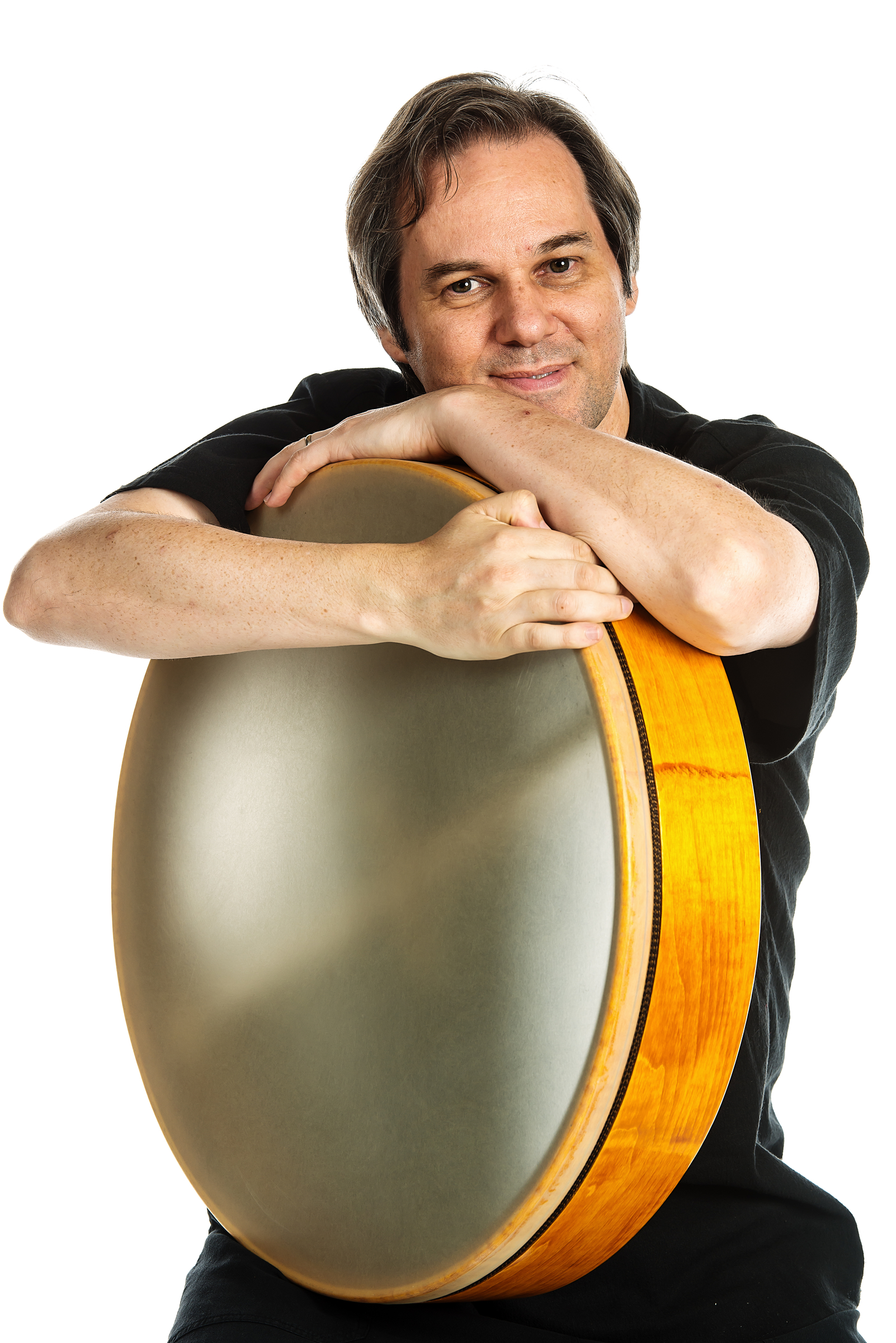
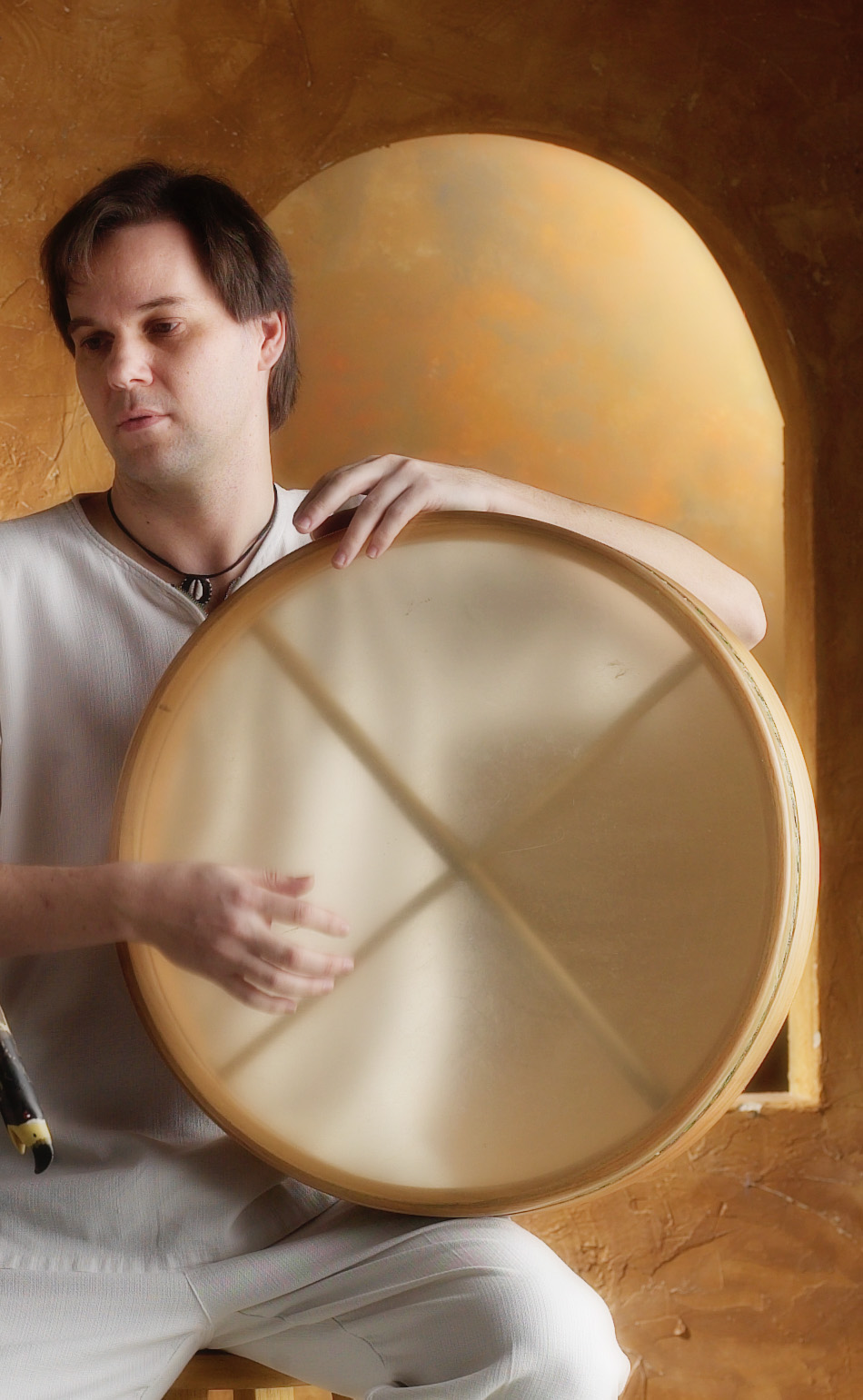
Handful
#1 - N. Scott Robinson Color Photo JPEG- 300 DPI - Dimensions
- 950 X 1541 pixels (3 X 5 inches). Size - 280 KB.
(See
directions at top of this page to download, resize &
print).
TRIO:
Peter Phippen, Mark Holland & N. Scott Robinson Color
Photo JPEG - 300 DPI - Dimensions 1500 X 1686 pixels (5
X 5 inches). Size - 1.47 MB.

(See
directions at top of this page to download, resize &
print).
Mark
Holland & N. Scott Robinson Duo #1 - Color Photo - 300
DPI JPEG - Dimensions 2108 X 1820 pixels (7 X 6 inches).
Size - 2.03 MB.

(See
directions at top of this page to download, resize &
print).
Mark Holland
& N. Scott Robinson Duo #2 - Color Photo - 300 DPI JPEG
- Dimensions 1908 X 1820 pixels (6 X 6 inches). Size - 1.55
MB.

|